


It is a small sound. A soft knock, every second or two, like a fingernail on a desk. Sometimes a faint beep instead. People describe it the same way almost every time: it was fine yesterday.
What matters about that sound is not what it is. It is what happens next. Almost everyone’s first instinct is to keep trying, plug it into another port, another computer, run the recovery tool with the good reviews, try again tomorrow. Every one of those is the drive spinning for longer, and on a clicking drive time is the only thing you are still spending.
What the clicking actually is
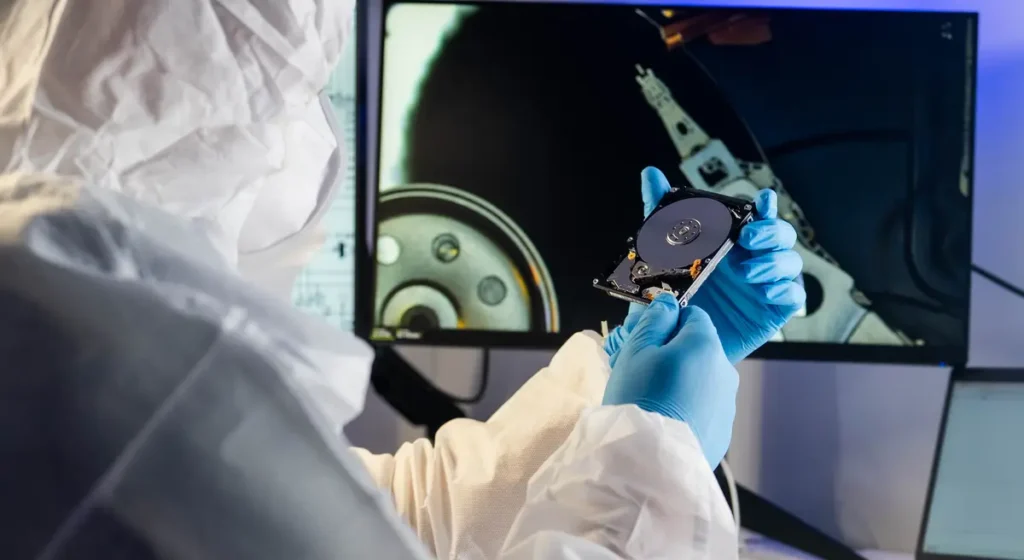
Inside a spinning hard drive, the platters turn at 5,400 or 7,200 rpm and the read/write heads fly above them on a cushion of air about a hundred times thinner than a human hair. The heads are moved by an arm that parks against a stop.
The click is that arm going out, failing to find what it is looking for, and slamming back to the stop to try again. It repeats because the drive is a machine that retries. The usual causes are a worn or damaged head, a seized spindle, or a drive that took a knock while it was running, and the arm is now hunting for a track it can no longer read.
The important part: a clicking drive is still touching your data every time it retries. A failing head does not simply fail to read. It can score the surface it is flying over, and what it scores is gone in a way no lab recovers.
The first ten minutes
In order.
- Power it off. Not eject-and-leave-plugged-in. Off. If it is the drive inside a laptop, hold the power button until the machine dies rather than waiting for a graceful shutdown that will keep retrying for another two minutes.
- Leave it off. The single most expensive habit is the “let me just check it one more time” cycle. Each check is another few hundred retries.
- Do not run recovery software. Software recovery works by reading the whole drive, repeatedly, from the outside. On a healthy drive with deleted files, that is the right tool. On a clicking drive it is hours of exactly the thing you need to stop.
- Do not freeze it, hit it, or open it. The freezer trick is folklore from drives that stopped being made fifteen years ago. Opening the case outside a filtered environment puts dust between the head and the platter.
- Work out what you actually need. Not “everything”. One folder of photos, the tax records, the working files from the last two years. Recovery is priced and prioritised by what matters, and knowing this in advance changes what a technician does first.
- Take it somewhere that images data-first. Ask that question directly: do you image the drive before you attempt anything else? The answer tells you whether you are talking to a repair centre or a retry loop with a counter.
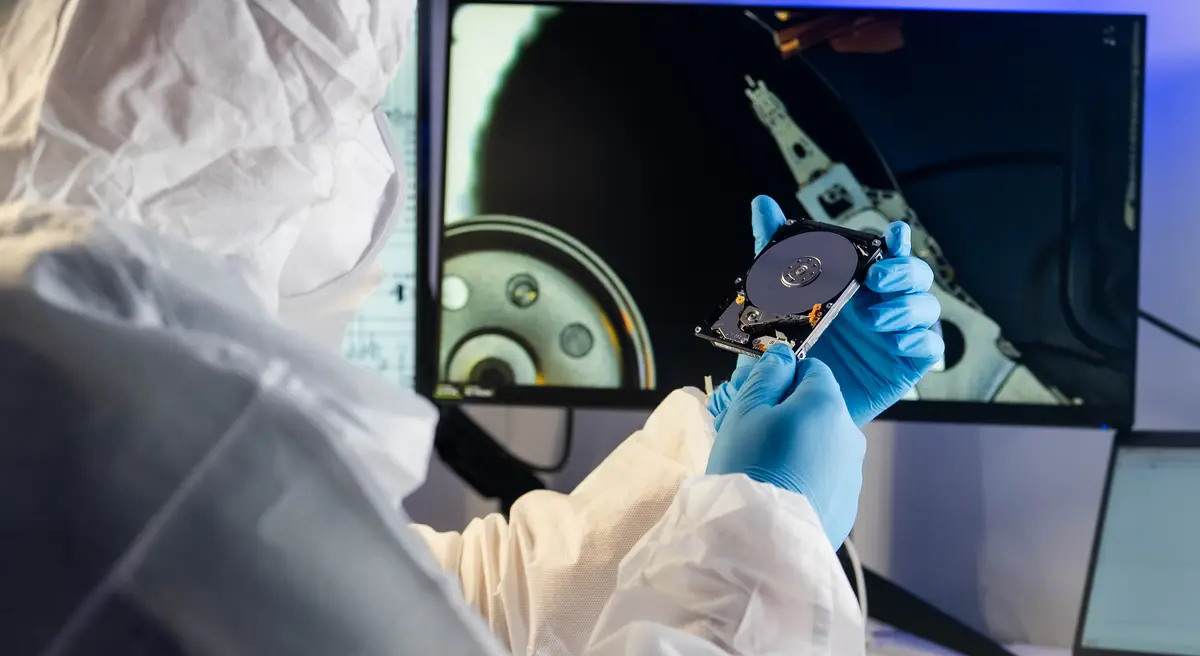
What can be repaired, and what cannot
“Hard drive repair” covers three different jobs, and it is worth knowing which one you are asking for.
The electronics, repairable
The controller board on the underside of the drive, the USB bridge inside an external enclosure, the connector, the power circuitry. These fail often, they fail in ways that look terrifying (nothing at all, no spin, not recognised), and they are component-level repairs. A drive whose board died usually comes back with everything on it intact. This is the cheapest outcome and the first thing a diagnostic should look for.
The drive is dying but still reads: rescue, then replace
A drive with SMART warnings, slow reads and freezes is telling you the truth in advance. Nobody rebuilds worn mechanics on a workbench. What a good technician does is copy everything off while it still cooperates and move you onto an SSD, so the failure happens after your files are safe somewhere else. If your drive is at this stage, you are in the best position you will ever be in. Do not spend it running the drive.
Damaged platters and crashed heads, not our work
If the surfaces themselves are scored, or the head stack has crashed into them, that is a class-100 cleanroom job with donor parts and no guarantees, and it is not work we take at our Repair Center. We will tell you that at the diagnostic rather than after taking your money, and you do not pay a recovery fee for data we could not recover.
A repair centre that tells you no at the diagnostic is worth more than one that tells you yes and bills you for the attempt.
What it costs to find out
At WeFixed the answer starts with a $65 written diagnostic that applies toward the work. A technician checks the electronics, the SMART health and whether the drive still reads, then names the real fault and the exact price before anything is done. From there you choose: repair the board, rescue the data and replace the drive, or a recovery case quoted in writing with an honest read on the odds.
The full detail on each of those paths is on our hard drive repair page, and if your case is already a recovery, that is data recovery.
The uncomfortable part
Everything above is about a drive that has already started clicking, which means the useful advice arrived late. The version that costs nothing: a single copy of anything is not a copy. An external drive on the same desk as the laptop is one spilled drink from being no backup at all. Two copies, one of them somewhere else, and a clicking drive becomes an annoying afternoon instead of the worst week of your year.
If it is already clicking, though, the ten minutes above are the whole game. Power it off, and let somebody read it once, carefully, instead of a hundred times, hopefully.