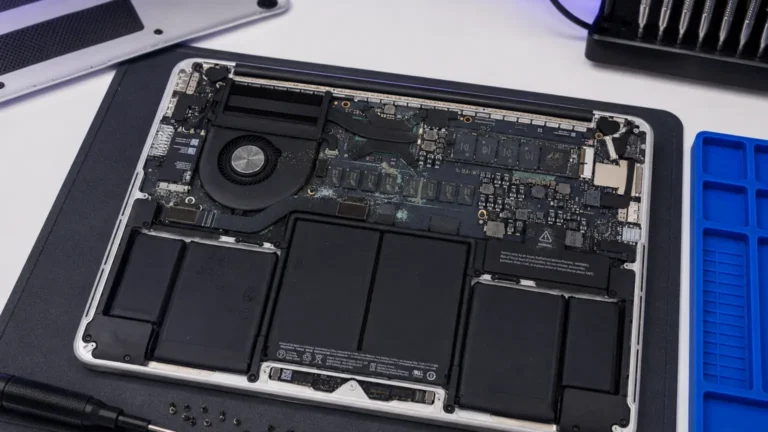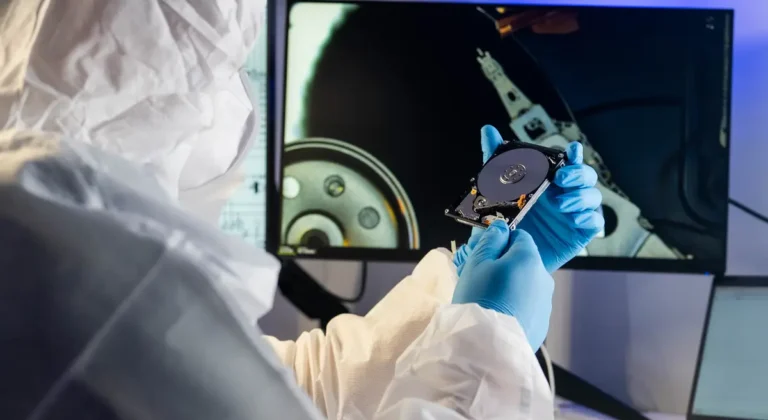
A dead MacBook walks into the lab almost every week. It won’t power on, it took a spill, or it just went black one morning and never came back. The owner’s first question is rarely the repair cost. It’s the photos, the dissertation, the client files sitting on a drive they can no longer reach. The answer surprises people: on a modern Apple Silicon Mac, a dead machine is very often not a dead drive. The data is usually fine. It’s the board around it that died.
Why is the SSD soldered and encrypted?
Older laptops kept the SSD on a removable stick. If the laptop died, a shop pulled the drive, plugged it into another machine, and copied the files off. That world is gone. On every Apple Silicon Mac (M1, M2, M3, M4) and on Intel Macs with the T2 chip, the NAND flash is soldered straight to the logic board as raw BGA packages. There is no drive to pull. The storage is hardware-encrypted with AES-256 keys that live inside the Secure Enclave, and on Apple Silicon that Secure Enclave is fused inside the main SoC itself.
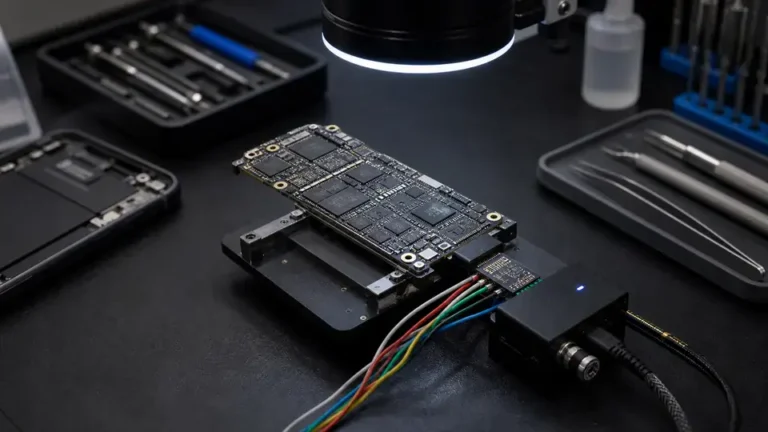
So when a conventional recovery shop does what it has always done, desolder the NAND and read it on a programmer, here is what it gets back: encrypted noise. Mathematically unreadable ciphertext. The bits are intact, but the keys that unscramble them never leave the chip they were born in. The storage and the processor that holds the keys have to work together, on the same powered-up board, or you get nothing.
Why is pulling the chip the wrong move?
This is the part that trips up well-meaning shops and DIY attempts alike. The instinct from twenty years of laptop repair is to separate the storage from the broken machine. With Apple Silicon, that instinct destroys your odds. Decryption only happens when the original Secure Enclave, the original NAND, and your password or FileVault recovery key all come together at boot.
The only reliable path to your files is to bring the dead board back to life so it powers up and decrypts the storage exactly the way Apple designed it to.
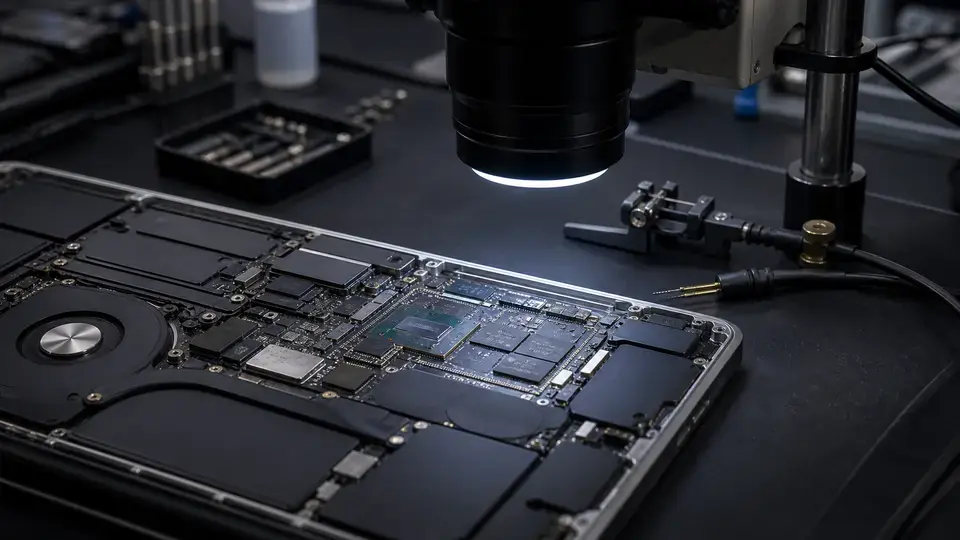
That is not a software trick or a cloud unlock. It is physical, board-level work: putting the board at the Repair Center PSU to read what it draws, finding the failed power rail or burned trace, restoring the signal paths the SoC needs to initialize, and letting the machine do its own decryption once it can think again. We treat Apple Silicon recovery as a motherboard-level repair problem first and a data problem second. Fix the board, and the data comes back on its own.
What actually fails, and why it’s recoverable
This is precisely the work an independent board-level lab is built for. We’re not pulling the drive and praying. We’re under the microscope reading what killed the board and reversing it. The most common failures we see are very recoverable:
- Liquid damage. A spill rarely touches the NAND itself. It corrodes power circuitry and traces. We clean the board ultrasonically, neutralize the corrosion, replace the damaged components, and bring the board back up so it can decrypt normally. Liquid jobs are often our fastest recoveries.
- Power-delivery failures. A shorted rail or a blown power IC stops the Mac from booting while leaving the storage intact. At the Repair Center this often shows as a dead short on the main 3.3V or SoC core rail, drawing 0.00A at the wall and a near-zero reading in diode mode. Find the shorted cap or PMIC, restore the rail, restore access.
- Burned traces and bad solder joints. Hairline breaks and lifted pads between the SoC and its support circuitry kill the boot sequence without ever harming your files. A jumper or reball fixes the path.
- No-power and no-display boards that turn out to have a single failed component, often the backlight boost or a cracked filter, standing between you and a working machine.
Because the goal is a board that powers on and decrypts, a successful repair frequently hands you back a working laptop, not just a folder of files. That’s the advantage of fixing the cause instead of harvesting the symptom. Our full process is laid out under Mac data recovery, and the same approach covers other encrypted and damaged devices under data recovery.
When is the data really gone?
We don’t sell false hope. If the SoC die is physically cracked or the Secure Enclave inside it is destroyed, the encryption keys die with it. No revived board, no donor chip, no lab on earth can reconstruct keys that were fused into silicon and then shattered. The NAND still holds your data, but it stays encrypted forever. That outcome is rare, it usually takes severe physical or thermal trauma to the SoC itself, but it is real, and you deserve to hear it plainly before you spend a dollar.
That limit is the whole argument for backups. A Time Machine drive or an encrypted cloud backup means a destroyed Secure Enclave is an inconvenience, not a catastrophe. We’d much rather tell you your backup made this easy than tell you the keys are gone.
What to do when your Mac dies
If your Apple Silicon or T2 MacBook won’t power on, took a spill, or went dark, the single most important thing is this: do not keep trying to power it on, and do not let anyone desolder the NAND. Repeated power attempts on a wet or shorted board are how a survivable failure becomes a dead Secure Enclave. With liquid especially, oxidation spreads fast from the USB-C ports toward the storage controller, so getting it to a real lab inside a day or two genuinely matters.
Every Apple Silicon recovery here starts with a $65 written diagnostic that tells you exactly what failed and whether your data is reachable, and that fee applies toward the repair if you go ahead. Have your FileVault recovery key and password ready, because the machine, not us, is what decrypts your files once the board is alive again. We’ve been doing board-level work for eleven years, we never sell your data, and we’ll always tell you the honest answer, even when it isn’t the one you hoped for.