A woman drove down from Baltimore with an iPhone 12 Pro in a sandwich bag. It went into a pool, got rinsed under a tap by a well-meaning relative, sat in rice for two days, and then never turned on again. No Apple Store backup. No iCloud. Eight months of a newborn on that phone and nothing anywhere else. She asked the only question that matters: are the pictures gone?
Almost certainly not. A phone that won’t turn on and data that’s been erased are two completely different things, and people conflate them constantly. The photos were sitting exactly where they always were, on the UFS storage chip soldered to the logic board. The board was dead. The data wasn’t.
Why a dead phone usually still has your photos
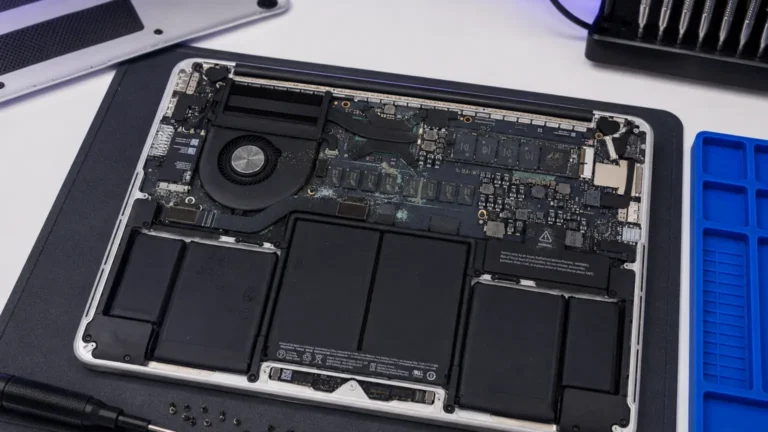
Your photos, texts, and notes live as charge states inside one chip: the NAND flash (older boards) or UFS package (iPhone 12 and up, most modern Samsungs). That chip doesn’t care that the charging circuit shorted or that the PMIC cooked. When we put a no-power board at the Repair Center PSU, what’s failing is almost always power delivery or a control IC, the Tristar/Tigris U2 charging IC, the main PMIC, a shorted rail, not the storage.
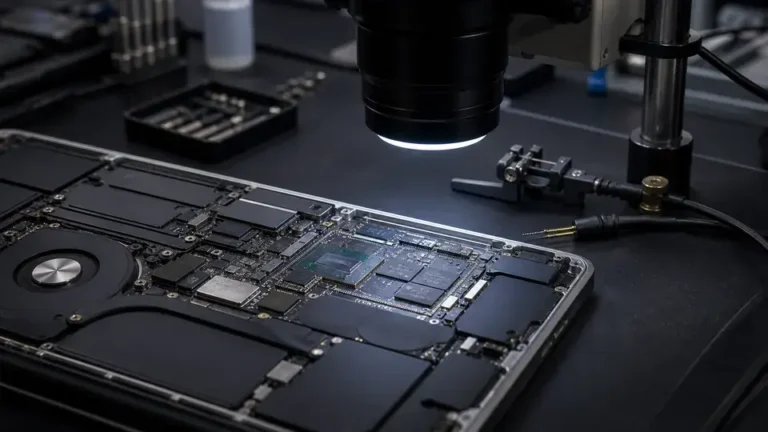
On the iPhone 12 from the pool, we saw it instantly. Phone drew 0.00A at the Repair Center supply, then with a little coaxing pulled a dead short at roughly 0.7V on the main rail, a classic shorted capacitor on PP_VDD_MAIN downstream of liquid. The CPU and UFS were fine under the microscope. The board just couldn’t boot. That’s the good scenario.
Two ways we get the data off
There’s a fork in the road, and which path we take depends on what the microscope shows.
1. Get the original board to boot once
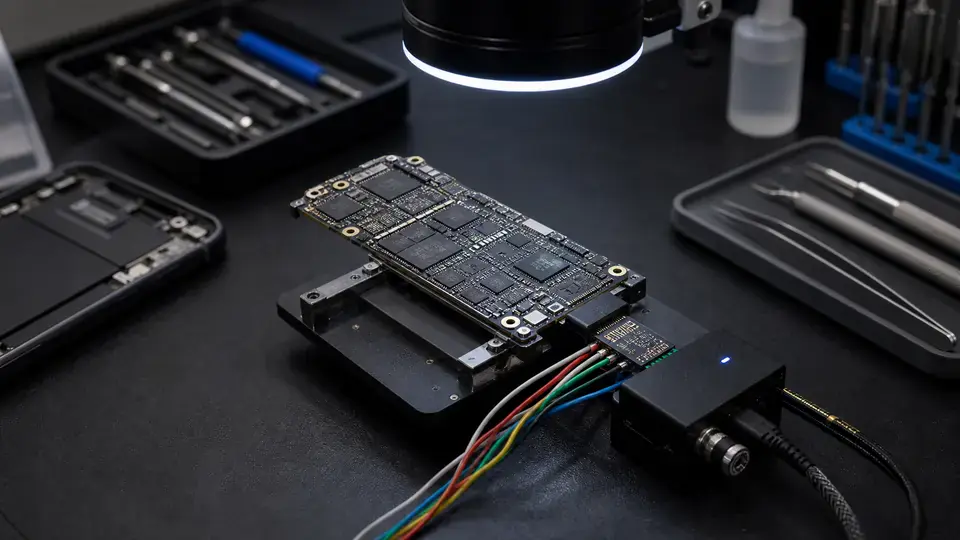
If the storage chip is healthy and the fault is a shorted rail or a bad charging IC, the cleanest recovery is to repair the board just enough to boot. Find the short with freeze spray or a thermal camera, lift the offending cap, replace the Tristar IC if U2 is gone, and bring it up on a DCSD/Repair Center rig. If it boots, we image it, hand you the data, and you decide whether to pay for a full repair. The original board booting is always the best outcome, it sidesteps encryption headaches entirely on iPhones, because the secure enclave keys stay married to that exact silicon.
2. Chip-level transfer to a donor board
When the board is too far gone, pads lifted, CPU corroded, traces eaten through, we go chip-level. On iPhones this means a coordinated transplant: the CPU, the RAM (it’s PoP, stacked on the CPU), and the UFS storage all have to move together to a matching donor board, because Apple binds them cryptographically. Lose that pairing and the data is encrypted gibberish even though the bits are physically there.
That’s a full BGA job: hot air, careful removal so we don’t tombstone or crack the package, clean the pads, reball with fresh solder spheres at the right alloy, and reflow onto the donor. One bad reball under a 0.3mm-pitch BGA and you get bootloops or no recovery at all. This is unforgiving work, and it’s where the 11 years at the Repair Center earn their keep.
So what are the real odds?
Honest numbers, straight from our Repair Center. Of the last ~50 no-power boards we took in specifically for data recovery, roughly 7 in 10 came back with full or near-full data. The wins are usually power-fault boards where the storage was clean. The losses cluster in two buckets: severe liquid corrosion that ate into the UFS package or the CPU pads themselves, and physical trauma, a board snapped clean through under the CPU, or a chip cracked internally in a hard drop.
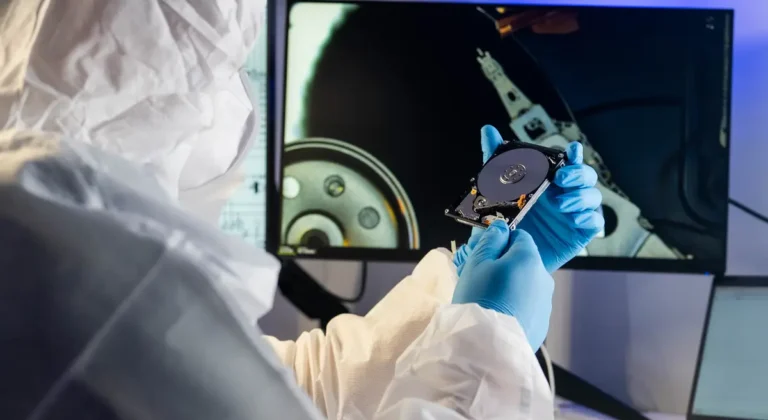
If the storage chip is physically destroyed, no one on earth recovers that data. We’ll tell you that the day we open it, not after we’ve taken your money.
The phone being dead is the easy part. The question is always whether the one chip that matters survived, and that we can only know with the board open under the scope.
Should you even try? Sometimes the answer is no
We turn people away. If there’s a recent iCloud or Google backup that already has the photos, paying for board surgery is a waste, restore the backup. If the data is “nice to have” rather than irreplaceable, the cost rarely makes sense. We tell you this up front because a recovery attempt on a badly corroded board can run real money with no guarantee.
Where it’s worth it: irreplaceable photos and video, no backup anywhere, a phone that genuinely won’t power on. That’s the case chip-level recovery exists for.
What it costs, and the honest part about “no data, no fee”
Every dead-phone recovery starts with our $65 diagnostic. We open the board, scope the storage and CPU, read the rails, and tell you which path the device is on and a realistic probability, before any major work. That $65 evaluation is non-refundable; it pays for the Repair Center time and the teardown whether the news is good or bad.
The recovery work itself is no data, no recovery fee, if we can’t get your photos off, you don’t pay for the recovery attempt. You still owe the $65 evaluation, because that’s the diagnostic we performed regardless of outcome. We’d rather be blunt about that on day one than surprise you.
The Baltimore iPhone, for the record: shorted cap, lifted it, board booted on the rig, full library recovered. Eight months of a newborn, handed back on a drive. Those are the good days.