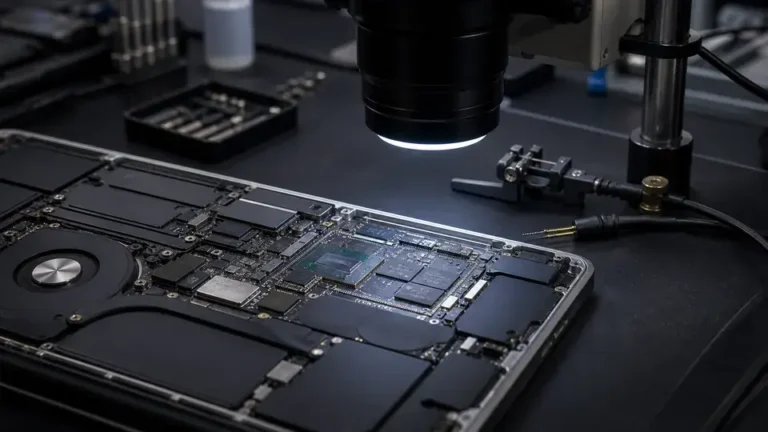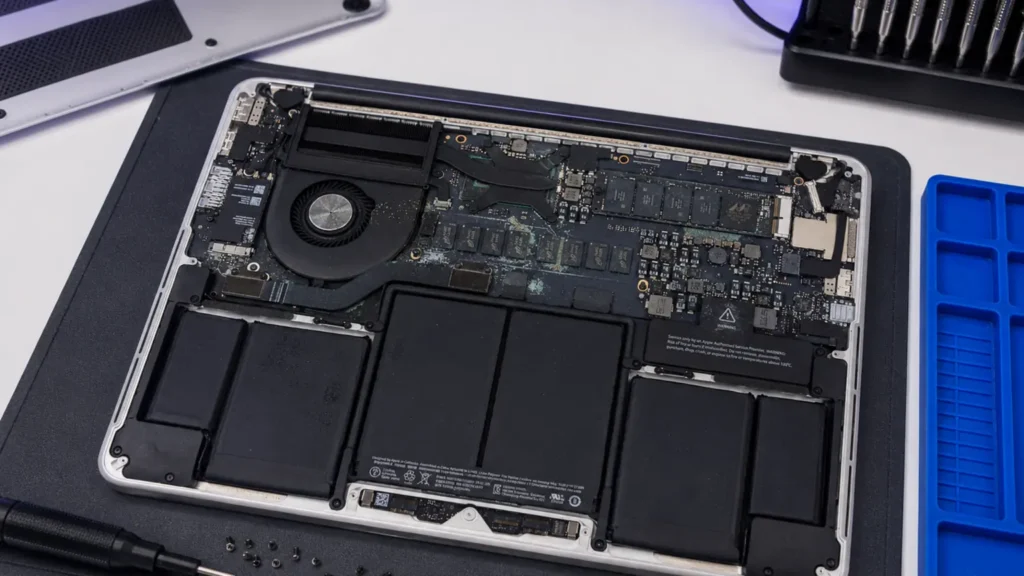
A customer brought us a 14″ MacBook Pro that had taken a full glass of red wine across the keyboard. It had been off for three days “drying in rice”, which does nothing, and the only thing on it that mattered was four years of a small business’s QuickBooks file, never backed up. At our Repair Center the board drew 0.00A at the Repair Center PSU at first poke, then crept to a dead short pulling 1.4A with the screen black. That machine’s SSD is soldered to the logic board. There is no drive to pull. The data was hostage to whether we could get that corroded board to boot.
That is the whole story of water-damaged data recovery in one case. Before anyone quotes you a price or a probability, the first question is always the same.
Is your SSD removable or soldered to the board?
This is the fork in the road, and it decides almost everything.
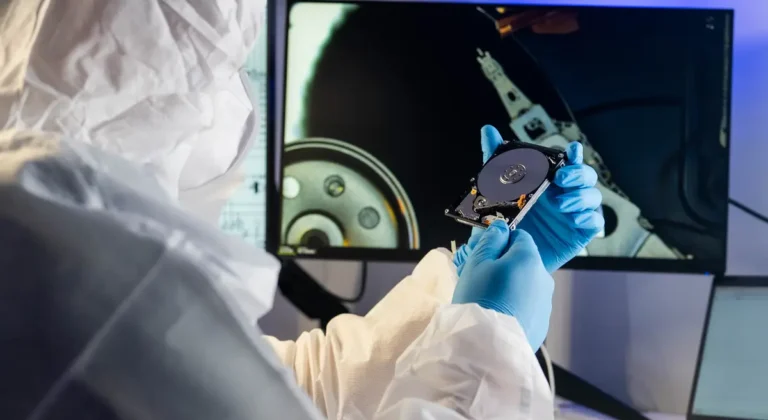
Removable drive (the easy path). Most Windows laptops from before roughly 2019, plenty of business-class ThinkPads, Dells, and HPs still today, and every older MacBook with a proprietary blade SSD, store your data on a module you can unscrew. If the drive’s controller and NAND survived the spill, and they usually do, because the damage is almost always on the mainboard’s power rails, not the storage, we lift the SSD out, drop it into a known-good adapter, and image it on a clean machine. We have read drives out of laptops whose boards were scrap. Of the last ~30 removable-drive water jobs we did, we got a full clean image off 27 of them. The board was dead; the data didn’t care.
Soldered storage (the hard path). Every Apple Silicon MacBook and every Intel MacBook since the 2016 Touch Bar models has its NAND soldered directly to the logic board. On Apple Silicon the encryption is tied to the Secure Enclave on that exact chip set, so even if we unsolder the NAND, it is encrypted gibberish without its original board and processor. Many ultrabook-class Windows laptops (XPS, some Surface, thin LG/ASUS) also solder a BGA SSD down. Here, there is no drive to remove and read. The only road to your data runs through repairing the board.
When the board has to be revived just to read the data
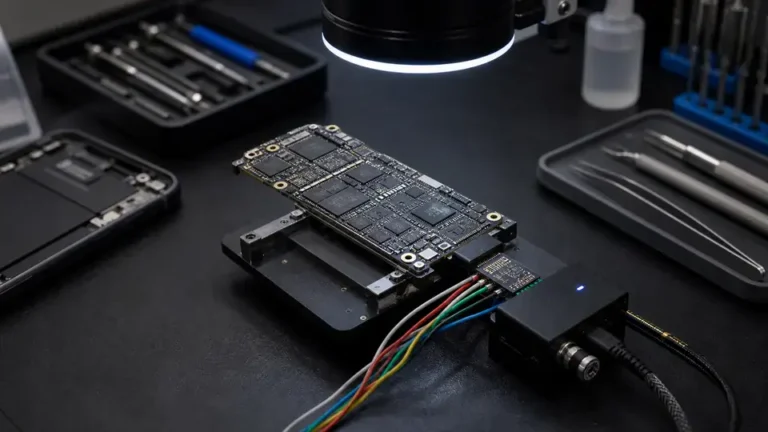
On a soldered machine our job changes from “data recovery” to “logic-board repair, with the data as the prize.” We don’t need the laptop to be perfect. We don’t need the screen, the keyboard, the Wi-Fi, or the battery. We need exactly one thing: enough of the board alive to power up, recognize its own storage, and let us pull an image over a recovery boot.
That usually means chasing the same culprits we see on every liquid board. Corrosion bridges pins under shields, so we pull the shields and inspect under the microscope. The PMIC or a power rail is often shorted, we find it in diode-mode and on the thermal camera, looking for the chip that heats up when we feed the shorted rail a trickle of current. On MacBooks the SMC/PMIC region and the rails feeding the SoC are common offenders; we’ve reballed a PMIC purely to get a board to POST long enough to image the NAND, then handed the customer their files and a frank “this board is not worth keeping.”
That last part matters. Reviving a board for data is not the same as fixing a laptop. We may get it to boot once, image it, and consider the repair a success even if the machine dies again an hour later. You’re paying for the data, not the laptop.
What this costs, and when it isn’t worth it
Honest framing, because the math drives the decision:
- Removable drive: often a flat, modest recovery, pull, image, return on your new drive or an external. This is the cheap, high-odds path. Everyone starts here.
- Soldered storage needing board work: this is microsoldering labor and there’s no guarantee. It can range from a single shorted-rail fix to hours of corrosion cleanup and BGA rework. We quote it after the $65 diagnostic, which is credited toward the job.
- Apple Silicon, board too far gone: sometimes there’s no path. If the SoC or its NAND lines are corroded through and the Secure Enclave pairing is broken, the encrypted data is mathematically gone. We will tell you that on day one rather than burn your money chasing it.
So weigh it against how critical the data is. Replaceable photos already in iCloud? Don’t pay for soldered-board heroics. The only copy of a manuscript, a business’s books, a deceased relative’s photos? That’s when board revival earns its cost. We’ve talked customers out of a recovery as often as into one.
What to do in the first hour, and what not to do
This part is on you, and it changes the odds before we ever see the machine.
- Shut it down immediately, hold the power button. A powered, wet board corrodes and shorts fast. Electricity plus liquid plus copper traces equals dead rails.
- Do not plug it in to “see if it works.” This is how a recoverable board becomes a dead short.
- Skip the rice. It does nothing but leave dust and starch. Liquid is already inside, often under the chips.
- Get it to a Repair Center quickly. Corrosion is a clock. The wine MacBook above sat three days; that cost us real cleanup time. Sugary or salty liquids (wine, soda, seawater) are the most aggressive.
Bring it in, or mail it in if you’re outside the DMV, we handle nationwide mail-in and image to whatever drive or external you want it on.