A swollen battery is one of the few problems we treat as urgent the moment we hear about it. It is not cosmetic, and it is not something you ride out until payday. A lithium-ion cell that has started to expand has begun to fail in a way that can end in heat, smoke, or fire. In eleven years at the Repair Center we have learned that the gap between “the screen looks a little raised” and “the case will not close at all” is often days, not months. This article covers what swelling actually is, the warning signs across the devices we see most, and exactly what to do, and not do, before you get it to us.
What Battery Swelling Actually Is
Lithium-ion batteries store energy in a sealed pouch or can. When a cell ages, overheats, gets overcharged, or is physically damaged, the electrolyte inside breaks down. That breakdown releases gas, and because the pouch is sealed, the gas has nowhere to go, so the cell inflates like a small balloon. The industry term is off-gassing, and the swelling you see from the outside is the visible result.
Off-gassing means the cell is no longer chemically stable. A swollen cell is more prone to an internal short circuit, and an internal short can trigger thermal runaway, a self-feeding cycle where heat speeds up the reaction, which produces more heat. At that point the cell can vent hot, flammable gas. New York State’s Division of Homeland Security lists swelling among the warning signs of a lithium-ion battery fire for exactly this reason.
The Warning Signs, Device by Device
Swelling usually announces itself through the chassis long before the cell is visible. The pressure has to go somewhere, so it pushes against whatever part of the device is easiest to move. Watch for:
- Phones: the screen lifting at one edge, a visible gap between display and frame, or in advanced cases the screen popping off entirely.
- Apple Watch: the screen lifting or detaching from the case, often starting at one corner.
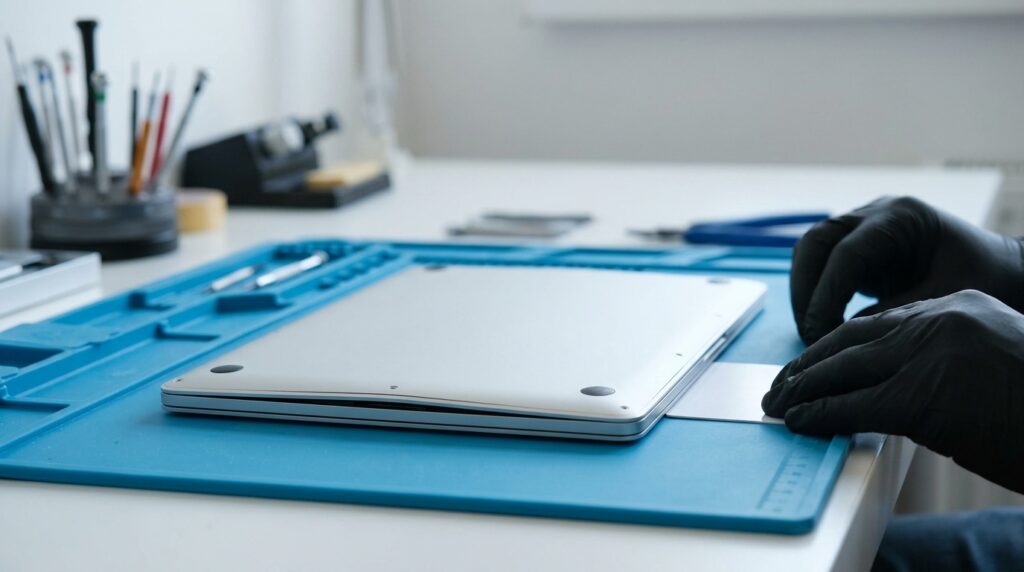
- MacBooks: the trackpad bulging upward, feeling stiff, or clicking unevenly, since the battery cells sit directly beneath it.
- Tablets and laptops generally: back glass or back panel lifting, the case no longer sitting flat, or a slight rocking when you press a corner.
- Any device: faint creaking from the housing, a chemical or sweetish smell, or the device running hot when it should not.
If you set the device on a flat surface and it wobbles, or you can slip a fingernail into a seam that used to be tight, treat it as swelling until proven otherwise.
What To Do Right Now, and What Not To Do
The goal is simple: keep the cell cool, undisturbed, and out of the charge cycle until a technician can remove it.
- Stop using the device. Power it down if you safely can.
- Stop charging it. Charging pushes current into a cell that is already unstable.
- Do not press, squeeze, or “push the screen back down.” Pressure on a swollen cell is exactly what you want to avoid.
- Keep it cool. Set it somewhere ventilated and away from anything flammable, not in a hot car or a sunny windowsill.
- Get it to a lab. Bring it in, or use our tracked mail-in service if you are outside the Arlington area.
And the things that make a bad situation worse:
- Do not puncture or pierce the cell. iFixit and battery-safety guidance are unanimous. Puncturing a swollen pouch can ignite it.
- Do not throw it in regular trash or curbside recycling. A 2025 UL Standards survey found more than a third of people toss old lithium batteries in the trash; a damaged one in a trash truck is a fire waiting to happen.
- Do not pry the screen off yourself to “check.” That usually cracks the glass and disturbs the cell at the same time.
If your device is hot to the touch, smells strongly of chemicals, or you see smoke, stop everything, move it outdoors away from anything that can burn, and call your local fire service. No data is worth a house fire.
How a Lab Removes a Swollen Cell Safely
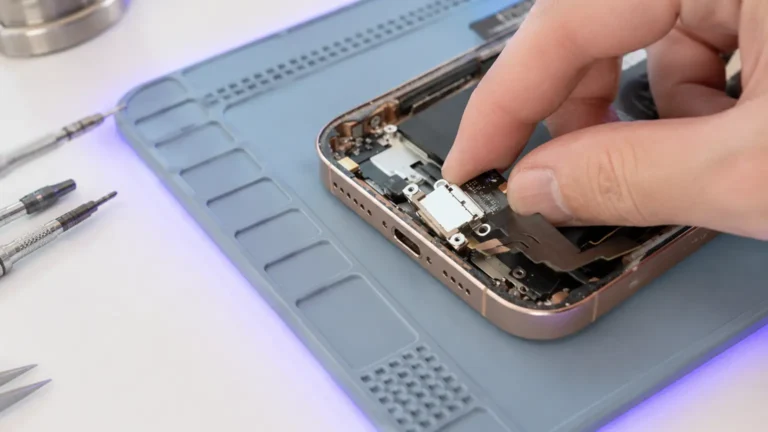
When a swollen device reaches our Repair Center, we work slowly and on purpose. We discharge or stabilize the cell where appropriate, soften the adhesive with controlled heat rather than brute force, and lift the swollen pouch out without compressing or bending it. We never use a metal pry tool against the face of a pouch. The old cell goes into proper damaged-battery handling for recycling, never the trash. We then fit a fresh, correctly rated cell, confirm it charges and reports normally on the gas-gauge IC, and reseal the device with new adhesive so it closes flat and resists dust and moisture the way it should.
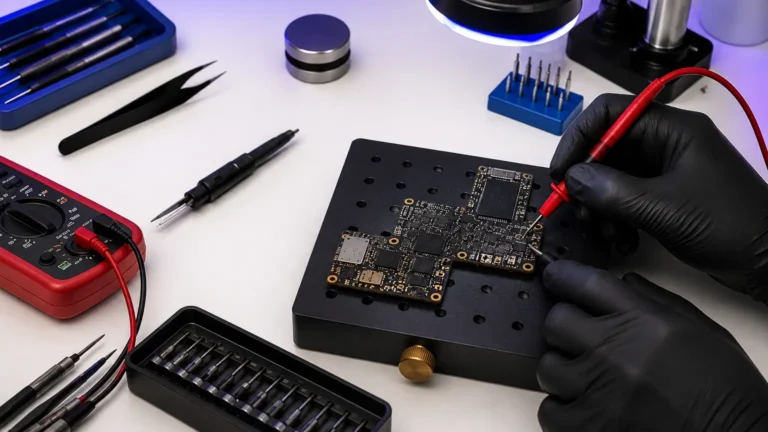
On boards where the swelling has been left for weeks, we also check the charging circuit before we sign off. A cell that ran hot can stress the charging IC (the Tristar/Tigris U2 on iPhones) and the battery connector; we read the main battery rail in diode mode and verify it is not sitting at a partial short before we trust the new cell.
You can read more on our battery replacement service page, and our device pages for iPhone battery replacement and Apple Watch battery replacement cover the particulars of those models.
An Honest Note About the Screen
We want to be straight with you about one thing. By the time a cell has swollen enough to lift a screen, the pressure may already have stressed or cracked the display. Sometimes the screen comes off cleanly and the original survives. Sometimes the swelling has done damage that only shows once we open the device. We will always tell you what we find before we proceed, and our $65 written diagnostic applies toward the repair. The point of moving quickly is not only to save the screen; it is to remove a fire risk from your pocket, desk, or bag before it gets worse.
If you suspect swelling, do not wait to see if it settles down. It will not. Stop charging, keep it cool, and bring it in. We would much rather see a swollen battery early than read about why someone waited.