It is the question we hear most at our Repair Center: a phone went black, won’t respond to the charger, won’t show an Apple logo or a boot animation, and the owner has already started grieving eleven years of photos. In the large majority of “won’t turn on” cases that come into our Clarendon lab, the storage is completely fine. The fault is in the power circuitry, not the memory. Those are two different parts of the phone, and the part that holds your data is rarely the part that failed.
Why a dead phone is almost always a power problem
A phone has to do a lot of small things in the right order before a screen ever lights up. The battery feeds a Power Management IC, or PMIC, which then sequences voltage out to dozens of separate rails, one for the processor, one for the display, one for the storage, and so on. If any link in that chain shorts or fails, the PMIC refuses to bring the phone up. From the outside it looks “dead,” but nothing has been erased.
The usual culprits are small and specific. A ceramic decoupling capacitor on a main power rail can fail short while the phone is charging, creating a dead short the PMIC cannot push past. The charging IC, Tristar/Tigris (U2) on iPhones, can degrade after years of use, or after one bad fall, or after a cheap cable pushed a spike through the port. None of these touch your data.
Your data lives somewhere else entirely
Photos, messages, and contacts live on a NAND flash chip (UFS on newer phones) soldered to the logic board. That chip sits on its own power rail and talks to the processor over its own data bus. It does not participate in the power-delivery circuits that fail when a phone goes dark, and, importantly, NAND does not need power to hold what is on it. It can sit unpowered in a drawer for years and keep every byte.
So when a capacitor shorts on a main rail or a charging IC burns out, the NAND is simply a bystander. It is intact, it is holding your data, and it is waiting for the rest of the board to wake up so it can be read again.
The advice online that destroys data
Search “phone won’t turn on” and you will be told, again and again, to force a restart and then do a factory reset or DFU restore. For a phone with a genuine power fault, that advice ranges from useless to catastrophic. A factory reset is not a repair, it is an erase command.
On a modern encrypted phone, a factory reset wipes the encryption keys. The data on the NAND is still physically there, but without the keys it is unreadable scrambled noise. That is not a recovery step. That is the one button that can turn a recoverable situation into a permanent loss.
This is the core distinction we want every owner to understand. A board repair fixes the power fault and leaves your storage untouched, so the phone boots up exactly as it was. A reset or restore reaches into that same storage and clears it. One keeps your data. The other is designed to remove it.
Boot loop versus truly dead, and why both are good news
When we receive a phone, the first thing we want to know is which way it is failing:
- Boot loop or stuck logo: the phone tries to start, shows a logo or animation, then restarts or freezes. This actually tells us the NAND is alive and being read, the failure is later in the boot sequence. Data prospects here are usually very good.
- Truly dead, no signs of life: no logo, no haptics, no charging light. This points squarely at the power side, PMIC, charging IC, or a shorted component upstream, and again, that is separate from storage.
- Warm to the touch but black: often a short pulling current. We can measure that draw directly, which tells us a component is conducting when it shouldn’t, before we open anything.
In all three of these, the likely problem is on the power side of the board, not the memory side. That is why we rarely lead with bad news.
How board-level diagnosis traces the power up the chain
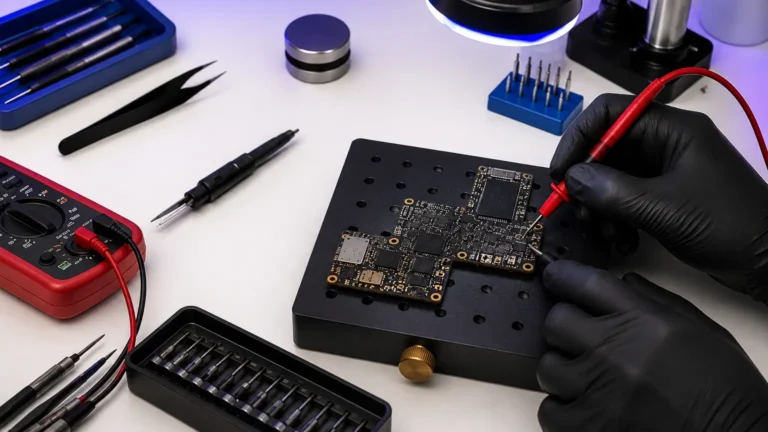
Our diagnostic work starts with measurement, not guesswork. We put the board at a Repair Center power supply and watch the current it draws. A healthy boot has a recognizable signature, a small wake current that ramps as rails come up; a dead short pulls a flat, high draw with no activity. At the Repair Center last week an iPhone 12 drew 0.00A on the button, then snapped to a hard short at roughly 0.7V on the main rail, textbook shorted cap. From there we work the chain backward, checking the battery input, then the PMIC, then each rail it is supposed to produce, until we find the point where voltage stops or current goes where it shouldn’t.
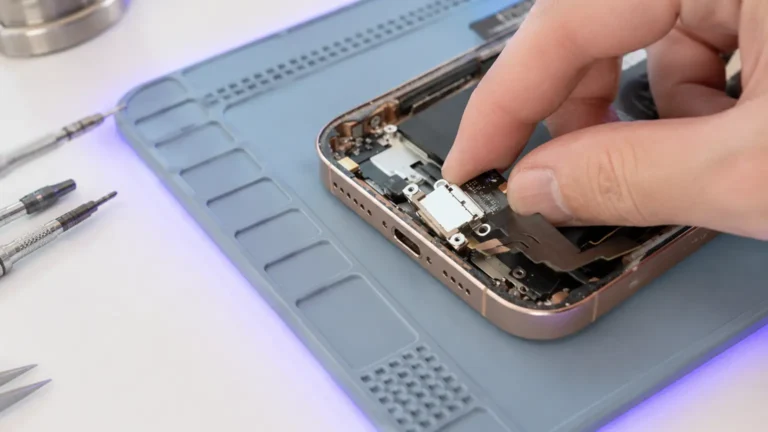
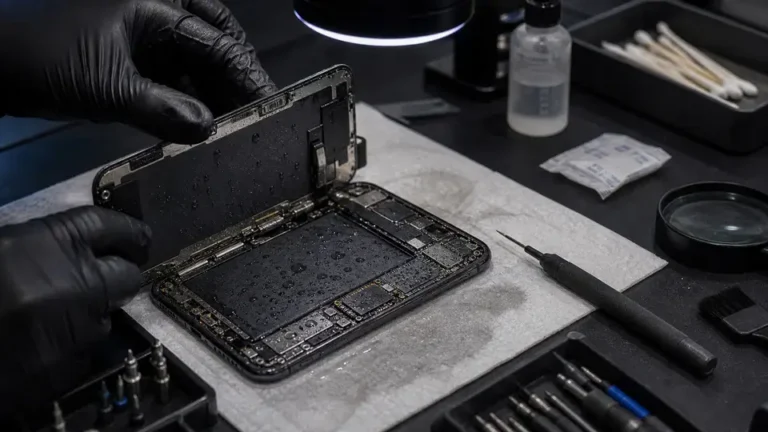
When a rail is shorted, we inject a low, current-limited voltage onto it and use a thermal camera to find the exact component heating up, usually one tiny capacitor out of dozens. Removing that part with a microsoldering iron restores normal current draw and lets the PMIC sequence the rails again. This is the heart of no-power repair and of broader motherboard repair: methodical tracing, not part-swapping.
Recovering photos from a phone that won’t boot
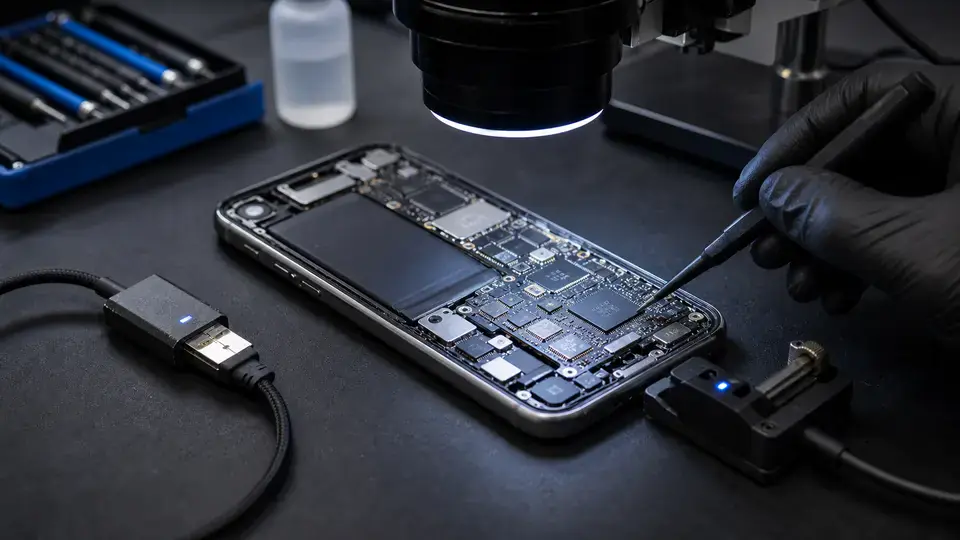
Most of the time, fixing the power fault is the recovery, the phone boots, and you back it up normally. When a board is too damaged to revive, there are still paths to your files. On many devices we can read the storage directly through In-System Programming, soldering fine wires to specific points on the board to access the NAND without a full boot. This is the work behind our data recovery service, and it is why we ask owners not to factory reset before bringing a phone in.
Every phone gets a $65 written diagnostic that tells you exactly what failed and what recovery looks like, and that fee applies toward the repair if you move forward. We do not guess on the phone, and we never touch your data beyond what it takes to get it back to you. If your phone went dark, the odds are good your photos didn’t go anywhere, bring it in before anyone tells you to erase it.