An iPhone 14 Pro came in three hours after it went into a hot tub. The owner did everything the internet told him: fished it out, dried it with a towel, buried it in rice overnight, then plugged it in to “see if it still worked.” It didn’t. When we put it at the Repair Center PSU it drew 0.00A, then snapped to a dead short at 0.7V on the main rail the instant we pushed current. He hadn’t drowned the phone. He’d electrocuted it slowly, with his own charger, while the board was still wet.
That phone was recoverable, barely, but it cost him a logic-board level repair instead of a rinse and a dry. The difference between those two outcomes is almost entirely decided in the first hour. So here is exactly what to do, minute by minute, and exactly what NOT to do.
What do I do in the first 60 minutes after dropping my phone in water?
The whole game is this: water alone rarely kills a board. Water plus power kills boards. Electricity flowing through a wet, mineral-laden board drives electrolytic corrosion, copper traces and IC legs literally dissolve where current crosses moisture. Your only job in the first hour is to cut power and keep it cut.
- Minute 0-1: Power it off. Hard. Don’t unlock it, don’t check if it works, don’t take a victory photo. Hold the buttons and force it off. Every second it’s on with a wet board is active corrosion.
- Minute 1-2: Do NOT plug it in. This is the single most damaging thing people do. Charging pushes 5V across a board that’s bridged with water. We’ve seen perfectly survivable spills turned into shorted PMICs and dead Tristar/Tigris charging ICs because someone wanted to “charge it and see.”
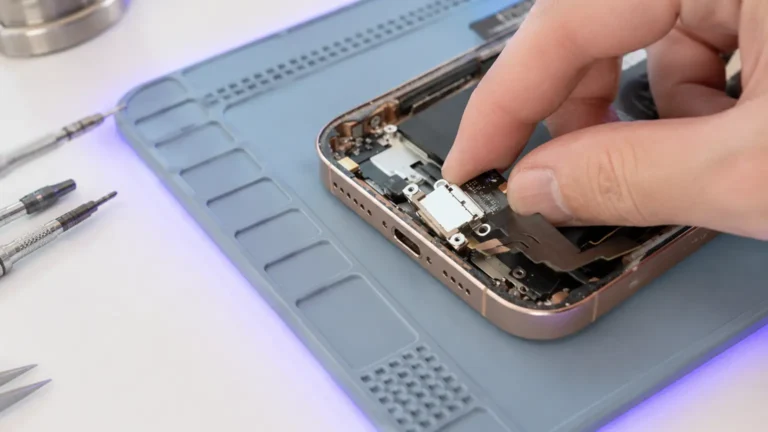
- Minute 2-5: Get it out of the case, pull anything removable. Case off, SIM tray out, any pop-socket or wallet off the back. You want air and you want to stop holding heat against the board.
- Minute 5-10: Blot, don’t bake. Towel off the outside. Tip it gently to let water drain from the ports. No hairdryer, heat drives moisture deeper and can warp adhesive and displays. No compressed air blasting water further into the board.
- Minute 10-60: Bag it and move. Put it in a dry bag or just leave it powered off, screen down, and start driving to a real repair lab. This is the window where a professional clean saves the board cheaply.
Why does everyone say rice, and why is it wrong?
Rice is the most persistent piece of bad advice in this industry. It does almost nothing. Uncooked rice is a mediocre desiccant, it pulls a little ambient humidity from the air around the phone, but it cannot reach the water that’s already sealed under shields and beneath BGA chips, which is exactly where the damage happens. Meanwhile rice dust gets into ports and the speaker mesh.
Worse, rice buys time you don’t have. People bury the phone for “a day or two” while corrosion runs unchecked under the audio IC and around the connectors. We’ve opened boards a week after a “successful” rice dry and found green crust climbing the legs of the PMIC. Rice is a comfort ritual, not a repair. Skip it and use that hour to get to someone with isopropyl alcohol and an ultrasonic tank.
What actually happens at the lab
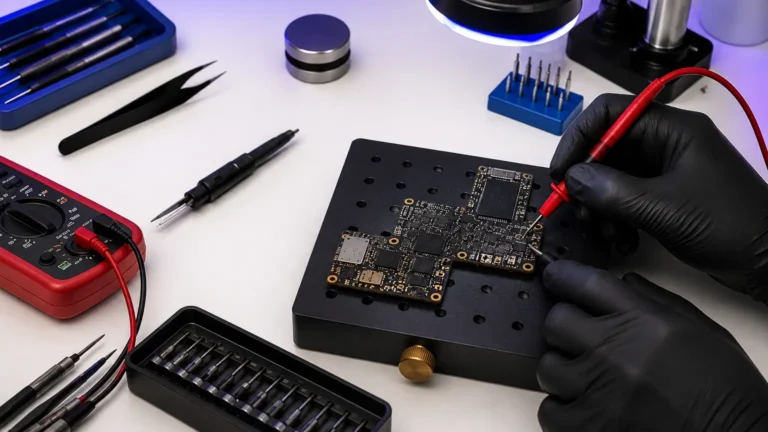
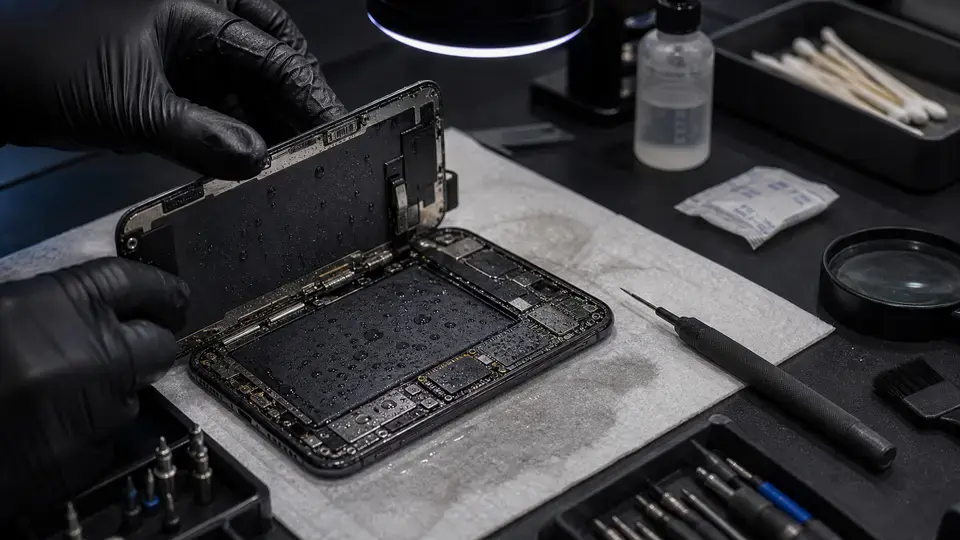
When a fresh liquid job hits our Repair Center, we don’t power it on to test. We open it. Shields come off, the board comes out, and it goes into 99% isopropyl alcohol, often an ultrasonic cleaner, to flush conductive residue and tap mineral deposits out from under the chips before any voltage touches it. Only after it’s clean and dry do we put it on the PSU and read current draw in diode mode, looking for shorts on each rail.
Take that hot-tub iPhone 14 Pro. After cleaning, it still showed a short on the main rail. Under the microscope the culprit was a corroded filter cap near the PMIC, bridged by the rice-era charging attempt. We removed the dead component, cleaned the pads, and the short was gone. It booted, recovered the customer’s photos, and we discussed whether the board was worth a long-term warranty given the corrosion history. That’s a good outcome, and it only existed because the corrosion hadn’t yet eaten through a trace under a BGA, where a jumper repair gets expensive fast.
The number that actually matters: how fast did it get here
Of the last ~50 liquid-damaged boards we opened, the strongest predictor of a clean recovery wasn’t the device, the depth of the water, or even salt versus fresh, it was how quickly it arrived powered-off.
Boards that came in the same day, never recharged, recovered fully roughly four times out of five. Boards that had been “rice’d” for a day or more and plugged back in were closer to a coin flip, and the failures were the ugly kind, shorted power ICs, lifted pads, corrosion under NAND that threatens the data itself. Salt and sugary drinks accelerate everything; a sweet soda spill left on a live board is one of the nastiest things we see. But time-with-power-on beats every other variable.
If you remember one thing: the phone that gets here today, powered off and never recharged, is a cheap clean. The phone that sat in rice and got plugged in is a logic-board repair. Same spill, very different bill.
When is it NOT worth repairing?
We’ll tell you straight. If a board has been live and recharging in water for a long time, corrosion can undermine a trace beneath a BGA chip, and the repair becomes multiple micro-jumpers under a chip we have to reball, labor that can rival the phone’s value. On an older device that’s sometimes a no. But here’s the part people miss: even when the phone isn’t worth saving, the data usually is. A board too far gone to trust as a daily driver can still be cleaned and revived just long enough to pull your photos off. That’s why you bring it in even when it looks hopeless. The $65 diagnostic tells you which path you’re on, and it’s credited toward the repair if you go ahead.