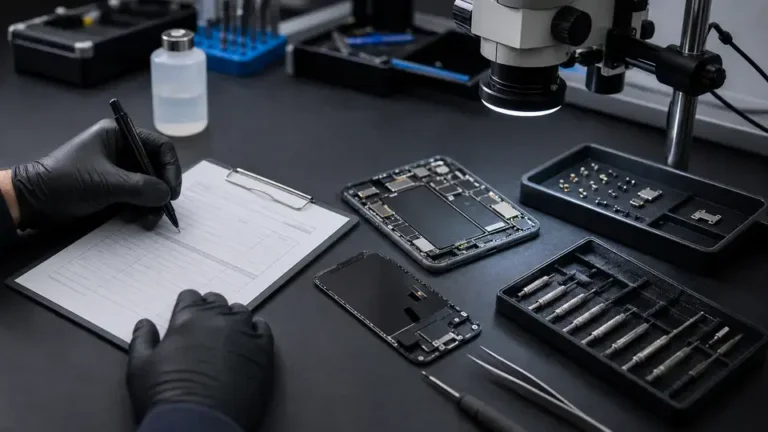
It is one of the most common questions we hear at the Repair Center: “Is this even worth fixing?” After eleven years of board-level work, our honest answer is that it depends, and not always in the direction you expect. Sometimes the smart move is a repair that costs a fraction of a new device. Sometimes we are the ones telling you to let it go. This guide walks through the same questions we ask ourselves before we quote a single repair.
The five questions that actually decide it
Forget the trade-in pop-ups for a moment. Whether a device is worth fixing comes down to five honest questions:
- Cost of repair versus replacement value. Not the price of a brand-new flagship, but what your specific device is realistically worth today. A repair that costs less than half of the replacement value is usually an easy yes.
- Age and remaining support. A device still receiving security and OS updates has years of useful life left. One that is past its support window is on borrowed time no matter how clean the repair.
- Will the data survive? If you have no backup, the question changes completely. A “dead” device that holds the only copy of your photos is worth far more than its resale price.
- The environmental cost. The world generated a record 62 million tonnes of e-waste in a single recent year. Every device kept running is one that did not become landfill.
- Parts availability and pairing. Can the part be sourced, and will the device accept it without software fighting back? In 2026 this matters more than it used to, which we will get to.
When repair clearly wins
Most of what comes through our door falls into a small set of repairs that are almost always worth doing, because the fault is isolated and the rest of the device is sound:
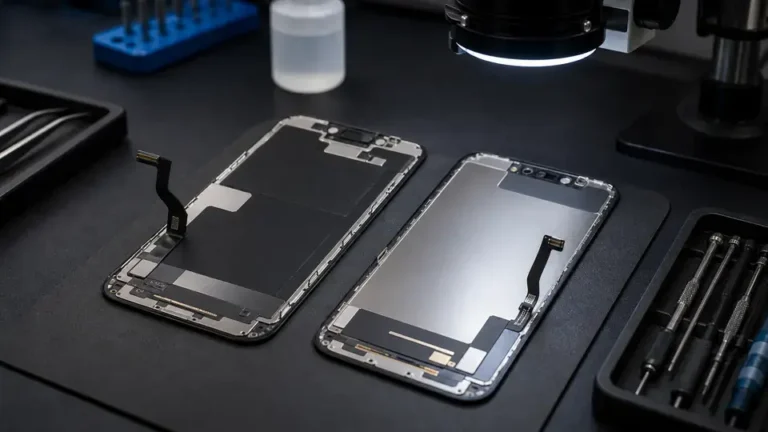
- A cracked or dead screen on an otherwise healthy device. A screen replacement is mechanical, predictable, and far cheaper than a new machine.
- A battery that no longer holds a charge. A battery replacement can make a three-year-old phone or laptop feel new for a small fraction of replacement cost.
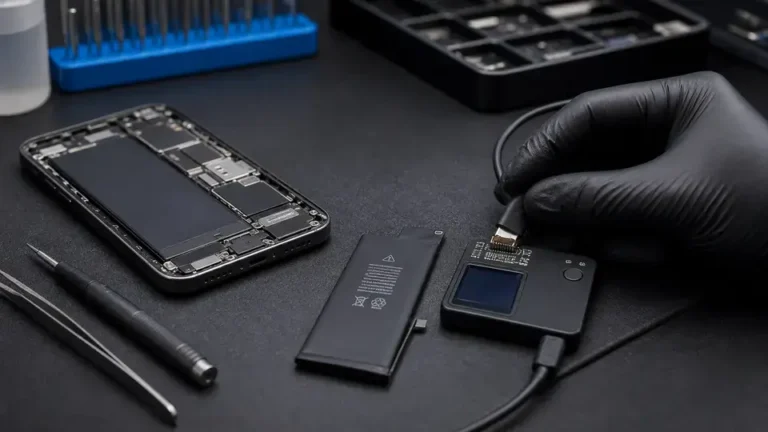
- A charge port that has stopped working. Often it is not the port at all but the Tristar/Tigris U2 charging IC behind it; at the Repair Center we read the device on a DC supply and a board that draws 0.00A on insertion usually points us at the IC or the port flex, both clean board-level fixes.
- Data recovery from a device that will not power on. When the only copy of your files lives on a NAND or UFS package on a damaged board, microsoldering can often reach what a backup never captured. We do this work in house rather than mailing it out.
If your device has one clear fault and is otherwise in good shape, repair is almost certainly the right call.
When replacement is the honest answer
We do not repair for the sake of repairing. There are situations where we will tell you to put the money toward a replacement instead:
If a board shows a dead short on the main rail, you already have a complete backup, and the repair would cost more than the device is worth, replacing it is the honest recommendation. We would rather lose the job than take your money for a fix that does not make sense.
The clearest example is a budget device where parts cost more than the device itself. When a replacement screen and battery together exceed what the phone sells for used, repair stops being economical. The exception is always data: if files matter and there is no backup, recovery can still be worth it even when the device is not.
Device-by-device rules of thumb
The general questions hold, but each platform has its own quirks worth knowing before you decide:
- iPhone: Generally worth repairing. Strong resale value and long software support mean a screen or battery fix usually pays for itself. Watch for parts pairing, covered below.
- Android: Hugely variable. Flagship Android phones are very repairable and hold value; budget models often cross into “parts cost more than the device” territory quickly. Check support status first.
- MacBook: Almost always worth repairing. High replacement cost and durable hardware make board-level work, battery, and screen repairs strongly economical, and data recovery especially so given that storage is soldered to the logic board.
- Windows laptop: Depends entirely on the machine. A solid business-class laptop is worth fixing; a low-end consumer model with a failed board usually is not, unless data is at stake.
- Tablet: Premium tablets repair well and last for years. Cheaper tablets are frequently uneconomical to fix beyond a battery or charge port. Screens on glued tablet assemblies can be costly, so get the number first.
Parts, pairing and the 2026 picture
Right to repair moved forward this year. New laws in Colorado, Oregon, Washington and other states took effect that restrict parts pairing, the practice where a device refuses to fully accept a replacement part, or throws “Unknown Part” warnings, unless the swap is blessed by the manufacturer. Apple has loosened up somewhat, allowing used genuine parts to be calibrated and reused, but aftermarket parts can still trigger software nags.
What this means for your decision is practical. With a genuine part and proper calibration, a repaired device behaves like new. With aftermarket parts you save money but may see a software warning or lose a feature like True Tone. Neither is wrong; you just deserve to know which you are getting before you commit. That choice also affects your warranty: we back genuine OEM and OEM-equivalent work for one year and aftermarket parts for thirty days, and we tell you which applies up front.
How the $65 diagnostic gives you a firm answer
Guessing is the expensive part. Our $65 written diagnostic exists to remove the guesswork: we tell you exactly what is wrong, what it costs to fix, whether your data is recoverable, and whether we honestly think it is worth doing. You get that in writing, and if you go ahead with the repair, the $65 applies toward it. If our recommendation is to replace rather than repair, we will say so plainly, and you still walk away knowing the real condition of your device.
You can book a written diagnostic or read more about how we work before you commit. We are a walk-in lab in Arlington and we accept tracked mail-in repairs from all fifty states. Whatever you decide, decide it with the facts.