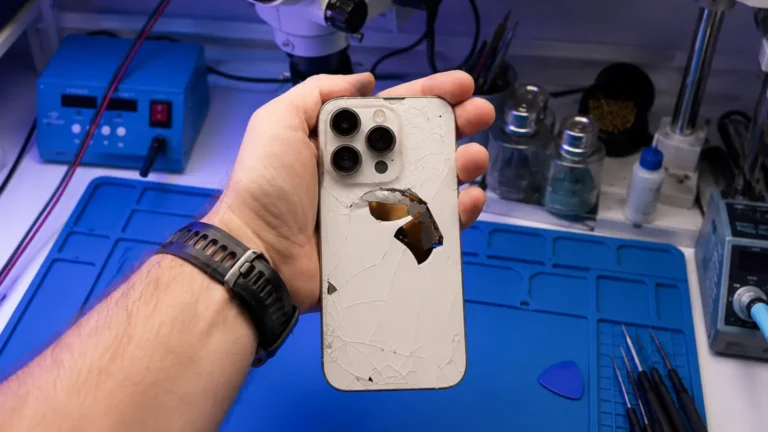
An iPhone 13 landed at our Clarendon Repair Center last month with a brand-new aftermarket screen and a black display. It powered on, you could hear the chime, feel the haptics, screenshot a black screen and see it on a Mac, but no light. Whoever did the swap had pried the display connector off without disconnecting the battery first, arced the backlight rail, and handed the phone back without ever booting it to a lit screen. They took the money. We got the fallout. This is the most common thing we see: not a hard repair done badly, but an easy repair done carelessly. Here is what actually turns up when we open these phones.
What does a botched screen repair look like inside?
Over the last stretch, of roughly 40 “second-opinion” phones that came in after another shop’s screen job, the same handful of failures repeat. None of them are exotic. All of them trace back to speed and the wrong habits.
- Dead backlight. The display connector gets levered off or seated while the battery is still connected. A momentary short on the backlight boost line takes out the backlight driver or pops one of the filter components near the connector. Screen has image, zero brightness. This is the single most common thing we fix after a bad swap.
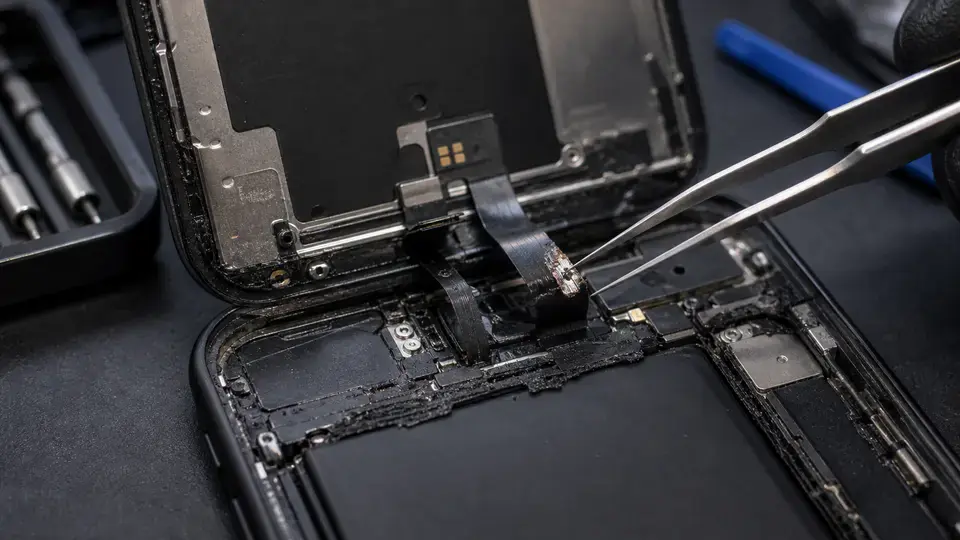
- Torn Face ID / front sensor flex. The TrueDepth flood-illuminator ribbon is the most delicate cable in the phone, and it has to be transferred from the old screen to the new one. Rush that transfer and it tears. “Face ID is not available” the next morning.
- Over-torqued shields and bracket screws. Tiny tri-point and Phillips screws driven down hard crack the pads under them or strip the threads in the bracket. We have lifted shields to find a hairline crack running off a mounting boss straight toward a trace.
- Missing screws. The classic tell. A phone comes apart with a specific screw count and it should go back with the same count. We routinely open these and find one, two, sometimes three screws simply gone, most often the display bracket screws, which is how connectors work loose and intermittently drop signal weeks later.
Why does a new screen come back with no backlight?
The backlight on these phones runs off a boost circuit, the chip steps the battery’s roughly 3.8V up to around 20V to drive the LED string behind the panel. That circuit and its filter components sit right next to the display FPC connector. If you pop or seat that connector while the board is live, you can arc the backlight line to ground for a fraction of a second. That is all it takes to kill the backlight driver, blow a coil, or vaporize one of the little filter caps/diodes around the connector.
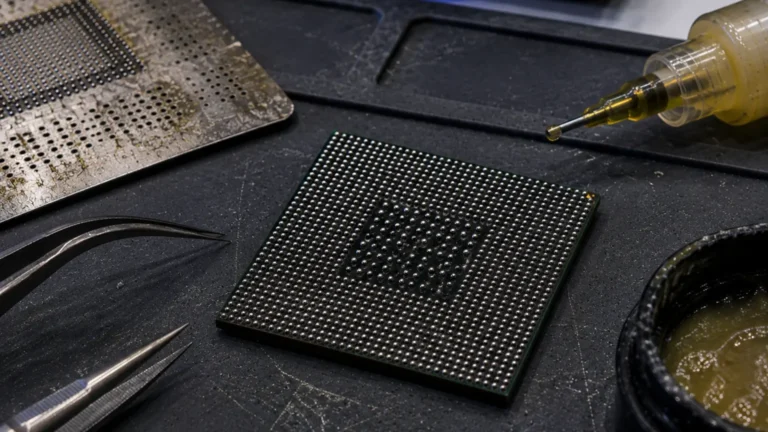
At the Repair Center it reads clearly. We meter the backlight output line in diode mode and on a healthy board see a normal junction reading; on a fried one we see a dead short to ground, or an open where a filter component used to be. The fix is component-level: identify the failed part, hot-air the casualty off, and solder a known-good replacement on. Sometimes it is one filter cap. Sometimes it is the driver IC itself and a reball. Either way it is not a part you buy off a shelf, it is microsoldering, and the shop that caused it almost never has the gear to fix it.
A screen swap should never kill the backlight. If it did, the battery was connected when it should not have been. That is a process failure, not bad luck.
The missing screws and over-torqued shields nobody mentions
Screws sound trivial until you understand what they hold. The display bracket screws clamp the FPC connectors down. Leave one out and the connector relies on its own friction to stay seated, fine at the Repair Center, until a few weeks of pocket flex and heat cycles let it creep loose, and now you have a screen that flickers or drops touch intermittently. We have chased “ghost touch” complaints that turned out to be a single missing bracket screw from a swap done two months earlier.
Over-torquing is the opposite sin. Those screws want to be snug, not cranked. Driven too hard, a shield screw can crack the pad it sits on or, worse, stress a nearby trace. Reassembly is also where we find shields bent or seated crooked, foam grounding pads left off, and adhesive gasket missing, which is the same gasket that gives the phone its splash resistance. Cut the corner on the gasket and the next rainy day becomes our liquid-damage job.
How do I spot a shop that cuts corners before handing over my phone?
You cannot watch every solder joint, but you can read the process. Ask plain questions and listen for plain answers.
- “Do you disconnect the battery before unplugging the display?” The right answer is yes, every time. Anyone who says it does not matter is the person who fries backlights.
- “How do you handle the Face ID flex transfer?” They should describe moving the original sensor over carefully and testing Face ID before returning the phone. Vagueness here is a red flag.
- “Do you test the phone to a lit, working screen before I pick it up?” Backlight, touch, true-tone, Face ID, front camera, proximity. A shop that tests will tell you they test.
- “What is your warranty, and is it on the part too?” We run one year on OEM and OEM-equivalent parts, 30 days on aftermarket. A “all sales final” screen job tells you what they think of their own work.
- Look at the counter. Microscope, hot-air station, proper screwdrivers, screw mats. A drawer of cheap kits and no scope means board-level mistakes can happen and can’t be fixed in-house.
What it costs to fix someone else’s screen job
It starts with our $65 written diagnostic, which tells you exactly what failed, backlight circuit, sensor flex, a loose connector, a cracked pad, and that fee applies toward the repair if you go ahead. A backlight circuit repair is a microsolder job; a torn Face ID flex is its own rebuild; a missing screw and a reseat is sometimes a quick honest fix and we will say so. In eleven years at the Repair Center, our rule has not changed: we tell you what is actually wrong, we do not invent damage, and if the cheapest answer is “you just need this screw put back,” that is what we will tell you. We are walk-in here in Clarendon and take tracked mail-in from all 50 states. See our iPhone screen replacement page, or read more on OEM vs aftermarket screens before you book the cheapest swap you can find.